


How to Train Staff to Operate VR Shooting Simulators
- How to Train Staff to Operate VR Shooting Simulators
- Why Professional Training Matters When You Buy a VR Shooting Simulator
- Recruiting & Hiring: Choose Operators for Your VR Shooting Simulator
- Onboarding & Curriculum: Create a Practical Training Program to Operate VR Shooting Simulators
- Hands-on Technical Training: Maintenance, Calibration, Troubleshooting for VR Shooting Simulators
- Safety & Legal Compliance: Train Staff to Ensure Safe Operation of VR Shooting Simulators
- Customer Service & Upsell Training: Increase Revenue with Trained Staff for VR Shooting Simulator
- Certification & Assessment: Test, Certify and Track Staff Competency to Operate VR Shooting Simulators
- Ongoing Training & Support: Use Remote Updates, Refresher Courses, and Vendor Training for VR Shooting Simulators
- Training Delivery Methods Comparison: In-House vs Vendor vs Online Training for VR Shooting Simulators
- VRN0.1 — Supplier & Training Partner for VR Shooting Simulator Purchase and Operation
- Implementation Checklist: 30-Day Plan to Train Staff and Launch Your VR Shooting Simulator
- FAQ — Frequently Asked Questions about Training Staff to Operate VR Shooting Simulators
- Q: How long does it take to train a staff member to operate a vr shooting simulator?
- Q: Does VRN0.1 provide training when I buy a vr shooting simulator?
- Q: What are the most common technical issues operators should learn to fix?
- Q: Are there age or health restrictions we should enforce for vr shooting simulator players?
- Q: What KPIs should I track to measure the effectiveness of my training program?
- Contact Sales / See Our Products
- Sources
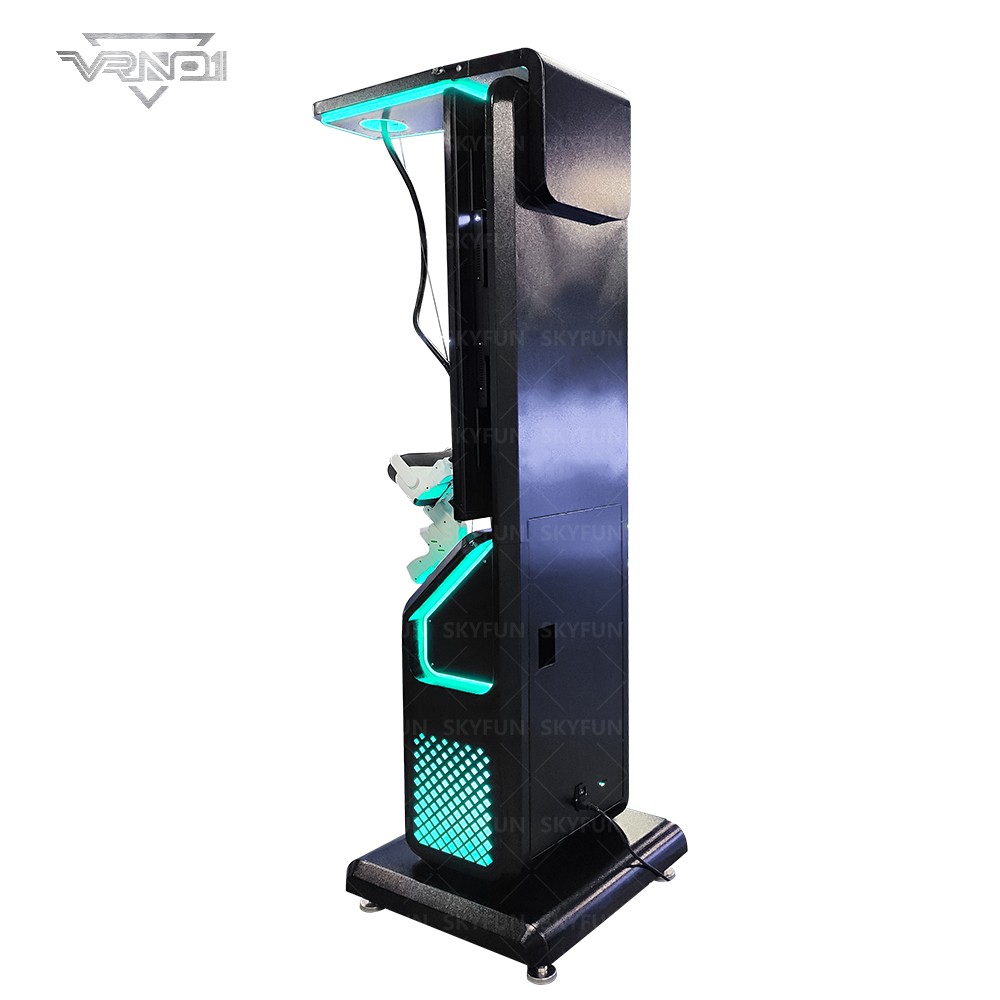
How to Train Staff to Operate VR Shooting Simulators
Why Professional Training Matters When You Buy a VR Shooting Simulator
Purchasing a vr shooting simulator is an investment in guest experience and recurring revenue. Well-trained staff reduce downtime, increase throughput, and protect guests — directly impacting return on investment. A structured training program also improves safety compliance and reduces the frequency of hardware failures caused by operator error. According to industry reports, the immersive entertainment market continues to grow year-over-year, making operational excellence a competitive differentiator for arcades and family entertainment centers.
Recruiting & Hiring: Choose Operators for Your VR Shooting Simulator
Start by hiring people who combine technical aptitude with strong customer-service instincts. Key traits to screen for include: comfort with basic tech, quick problem-solving, calmness under pressure, and a friendly attitude. When advertising roles, use terms like “VR operator,” “arcade technician,” and “guest experience staff.” During interviews, include a short technical assessment (e.g., identify the steps to reboot a kiosk) and a role-play customer scenario to evaluate soft skills.
Onboarding & Curriculum: Create a Practical Training Program to Operate VR Shooting Simulators
Design a modular curriculum that covers the full lifecycle of operation. Recommended modules:
- Introduction to the vr shooting simulator: components, controls, and software flow
- Guest flow and throughput optimization: ticketing, queueing, and session timing
- Safety checks and pre-session screening: age, health warnings, and consent
- Hardware basics: headset fitting, gun controllers, sensors, cabling
- Software operation: launching sessions, selecting difficulty, applying updates
- Troubleshooting common faults: audio issues, calibration, tracking loss
- Cleaning and sanitization routines between sessions
- Customer service and upsell scripting
- Incident logging and escalation procedures
Deliver each module with a blend of brief theory (15–30 minutes) and focused hands-on practice (30–90 minutes) so trainees immediately apply knowledge to real equipment. Provide printed and digital quick-reference guides for every station. Include the primary commercial keyword naturally within training materials—e.g., “vr shooting simulator quick restart.”
Hands-on Technical Training: Maintenance, Calibration, Troubleshooting for VR Shooting Simulators
Technical competency is critical to keep a vr shooting simulator running. Develop hands-on labs that cover:
- Daily start-up and shutdown procedures: power sequencing, warm-up checks
- Calibration routines: headset alignment, tracking anchors, gun calibration
- Replacing consumables: batteries, foam faceguards, sanitization wipes
- Network and software checks: verifying licenses, patching, backup procedures
- Diagnosing sensor and tracking issues: blind-spot identification, light interference
- Safe hardware handling: retaining screws, cable strain-relief, moving cabinets
Use real fault injection exercises (simulate a tracking drop or a software crash) so trainees learn to work calmly and fast under real conditions. Create an annotated troubleshooting tree (flowchart) that staff can follow during busy shifts.
Safety & Legal Compliance: Train Staff to Ensure Safe Operation of VR Shooting Simulators
Safety training must be explicit and mandatory. Topics to include:
- Guest screening: contraindications such as pregnancy, epilepsy, or recent surgery
- Age and height restrictions, and how to verify them
- Safe headset fitting and quick removal procedures
- Crowd control and queue safety around moving cabinets
- Injury response: how to pause sessions, render first aid, contact emergency services
- Sanitization procedures and infection control between guests
Document all procedures and make them accessible at the console. Incorporate local regulations and occupational safety guidance into the manual; this reduces liability and increases guest trust.
Customer Service & Upsell Training: Increase Revenue with Trained Staff for VR Shooting Simulator
Operators are sales touchpoints. Teach staff short, natural scripts to increase conversions and secondary spend—examples:
- Session close: “Would you like to play again at a small discount with our combo pass?”
- Group upsell: “Add our team challenge for two more players and get a leaderboard replay.”
- Membership pitch: “Our monthly pass covers unlimited standard sessions and priority booking.”
Train staff on how to present offers without disrupting throughput. Track conversion rates and reward high-performers with small incentives.
Certification & Assessment: Test, Certify and Track Staff Competency to Operate VR Shooting Simulators
Create a two-stage assessment: written or digital knowledge checks and a practical observed run. Assessments should cover:
- Core knowledge: safety, guest flow, software basics
- Practical skills: headset fitting, calibration, one full session from start to finish
- Troubleshooting speed: time to resolve three staged faults
Issue internal certification badges (digital or laminated card) and renew certifications annually. Track results in a simple spreadsheet or LMS to identify refresher needs.
Ongoing Training & Support: Use Remote Updates, Refresher Courses, and Vendor Training for VR Shooting Simulators
Technology changes; keep staff skills current with a continuous learning plan:
- Monthly 30-minute team refreshers (new features, seasonal promos)
- Quarterly deep-dive sessions (advanced troubleshooting, firmware updates)
- Vendor-provided training when significant hardware/software updates are released
- Remote support procedures: how and when to contact vendor tech support
Many suppliers—including leading manufacturers—offer free initial training and paid advanced services. Build vendor contact steps into the escalation flow so staff can quickly access expert help.
Training Delivery Methods Comparison: In-House vs Vendor vs Online Training for VR Shooting Simulators
Choose a delivery mix that fits your budget, timeline, and complexity. The table below summarizes common options:
| Method | Typical Time to Competence | Cost Level | Pros | Cons |
|---|---|---|---|---|
| Vendor On-site Training | 2–3 days | Medium | Expert-led, tailored to your model, includes troubleshooting | Scheduling dependent, may cost travel/fees |
| In-house Trainer (Train the Trainer) | 1–2 weeks | Low–Medium | Custom to venue, scalable internal knowledge | Requires internal expertise; slower ramp-up |
| Online / Video Modules | 1–3 days | Low | Flexible, repeatable, good for refreshers | Less hands-on; depends on trainee discipline |
| Hybrid (Vendor + Online + On-the-Job) | 3–7 days | Medium | Best balance: expert guidance + practical experience | Requires coordination |
Table notes: categories (time/cost) are general guidelines. Choose a hybrid approach (vendor session + in-house reinforcement) for the most reliable result.
VRN0.1 — Supplier & Training Partner for VR Shooting Simulator Purchase and Operation
VRN0.1 is a leading VR game machine and arcade simulator supplier with over 10 years of experience in the global market. Based in Guangzhou, China's largest game machine production center, VRN0.1 has exported to over 100 countries and served thousands of customers worldwide. We specialize in high-quality, immersive VR products, including 9D VR Cinema, 360 VR Simulator, VR Racing, VR Shooting, VR Roaming, AR Sniper, and more.
Why partner with VRN0.1 to train staff for your vr shooting simulator?
- Free equipment and operation training included with purchases—train your staff directly on the model they will operate
- OEM and ODM services for customized venues and branding
- One-stop VR venue solutions: site planning, equipment configuration, operational consulting
- 24/7 customer support and a strong R&D team for rapid issue resolution
- Strict quality control and global logistics experience—minimizes downtime and ensures spares availability
Core products and strengths: VR Simulator, Arcade game simulator, VR car driving simulator, Interactive Platform VR, Racing Game Machine, AR Sniper, Kiddie Ride, 7D Cinema. VRN0.1’s core competitive advantages include diverse product coverage across mainstream arcade categories, deep manufacturing experience in Guangzhou, tailored venue planning, and free training programs that help customers launch quickly and operate profitably.
For more information about equipment, training, and venue solutions, visit https://www.vrarcadegame.com/ or contact VRN0.1’s support team for a tailored training package.
Implementation Checklist: 30-Day Plan to Train Staff and Launch Your VR Shooting Simulator
Use this practical 30-day plan when you receive equipment or intend to open a new attraction:
- Days 1–3: Receive equipment; verify inventory; schedule vendor on-site or remote training
- Days 4–7: Train core operators (vendor or lead technician); prepare manuals and checklists
- Days 8–14: Run hands-on sessions with trainees; perform fault injection drills; finalize SOPs
- Days 15–20: Conduct certification assessments; train staff on upsell scripts and queue management
- Days 21–25: Soft-open to invited guests; gather feedback and fine-tune operations
- Days 26–30: Full opening; monitor KPIs (throughput, average revenue per guest, incident reports); schedule first refresher at 30 days
FAQ — Frequently Asked Questions about Training Staff to Operate VR Shooting Simulators
Q: How long does it take to train a staff member to operate a vr shooting simulator?
A: For basic operation and customer handling, 2–3 days (including hands-on practice) is typical. Achieving fast, independent troubleshooting skills usually takes 1–2 weeks of supervised shifts. Choose a blended training approach to speed competence.
Q: Does VRN0.1 provide training when I buy a vr shooting simulator?
A: Yes. VRN0.1 offers free equipment and operation training for customers, plus ongoing 24/7 support and optional advanced training services.
Q: What are the most common technical issues operators should learn to fix?
A: Common issues include headset tracking loss, controller pairing problems, software crashes after updates, network license problems, and audio/visual mismatches. Training should include step-by-step fixes and escalation paths.
Q: Are there age or health restrictions we should enforce for vr shooting simulator players?
A: Yes. Standard practice is to set minimum age/height restrictions and screen guests for epilepsy, pregnancy, or heart conditions. Always display clear warnings and ask guests to self-declare contraindications.
Q: What KPIs should I track to measure the effectiveness of my training program?
A: Useful KPIs include session uptime percentage, average resolving time for technical faults, throughput (sessions per hour), conversion rate on upsells, guest satisfaction scores, and number of incident reports per 1,000 sessions.
Contact Sales / See Our Products
Ready to buy or need tailored training support? Contact VRN0.1 for a one-stop solution: product selection, site planning, free equipment training, OEM/ODM options, and 24/7 global support. Visit our site: https://www.vrarcadegame.com/ or reach out to sales for a customized quote and training schedule.
Sources
- Grand View Research — Virtual Reality Market Size & Trends (industry growth context)
- IAAPA (International Association of Amusement Parks and Attractions) — FEC and arcade trends (venue/market insights)
- OSHA — General workplace safety guidance (safety and compliance framing)
- Vendor training best practices summarized from industry providers and manufacturer training programs (aggregated field practices)
Maintaining Your 9D VR Egg Cinema: Tips & Checklist
Immersive Audio and Visuals for Better VR Flight Sims
How to Train Staff for VR Flight Simulator Operations
Everything You Need to Know About best vr flight simulator
Products
Are your VR systems suitable for commercial use?
Yes, our VR arcade solutions are designed for commercial use, ideal for arcades, gaming centers, shopping malls, and entertainment venues. We offer both standalone machines and multi-player setups.
How does VRNO.1’s VR technology work?
Our VR systems use advanced headsets, motion tracking, and interactive controls to create an immersive, 360-degree experience. Players can engage with digital environments in real time, simulating real-world and fantastical scenarios.
Home
Can I customize the VR experience for my business?
Yes, we offer tailored VR experiences to suit your business needs, from custom content to specific hardware configurations, ensuring the best possible experience for your customers.
Solution
What is the warranty period for VRNO.1 VR devices?
We provide a 1-year warranty for all VRNO.1 VR devices. If any device failure occurs during the warranty period, you can get free repair or replacement services. Outside the warranty period, we also provide paid technical support and repair services.
Distributors
How does VRNO.1 support dealers' marketing efforts?
We provide a range of marketing materials, including product brochures, online advertising templates and promotional support. In addition, our team will help you develop a marketing strategy that suits the local market.
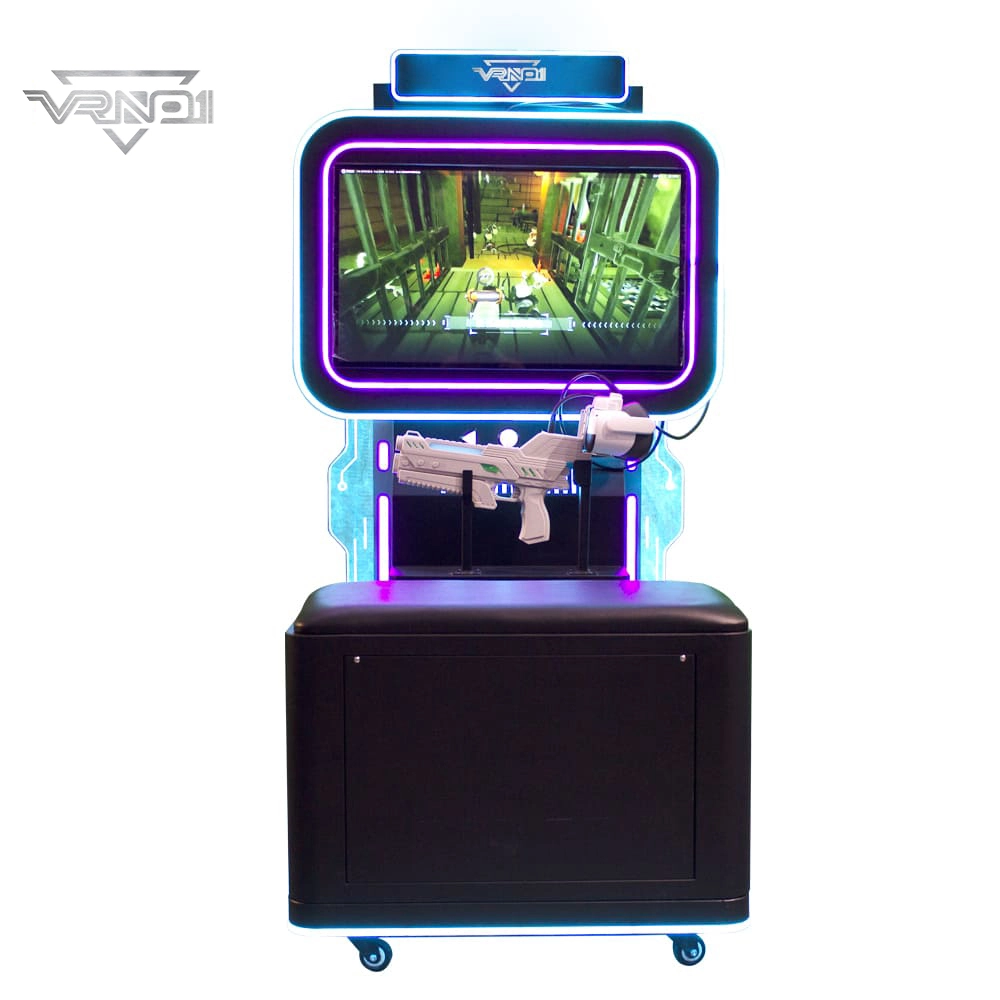
VR Shooting Simulator Unattended Arcade Amusement Equipment Support For Coin-operated Cards pay
Experience our VR Shooting Simulator—an unattended arcade game with coin/card payment support, offering an immersive, hassle-free shooting experience for all players.
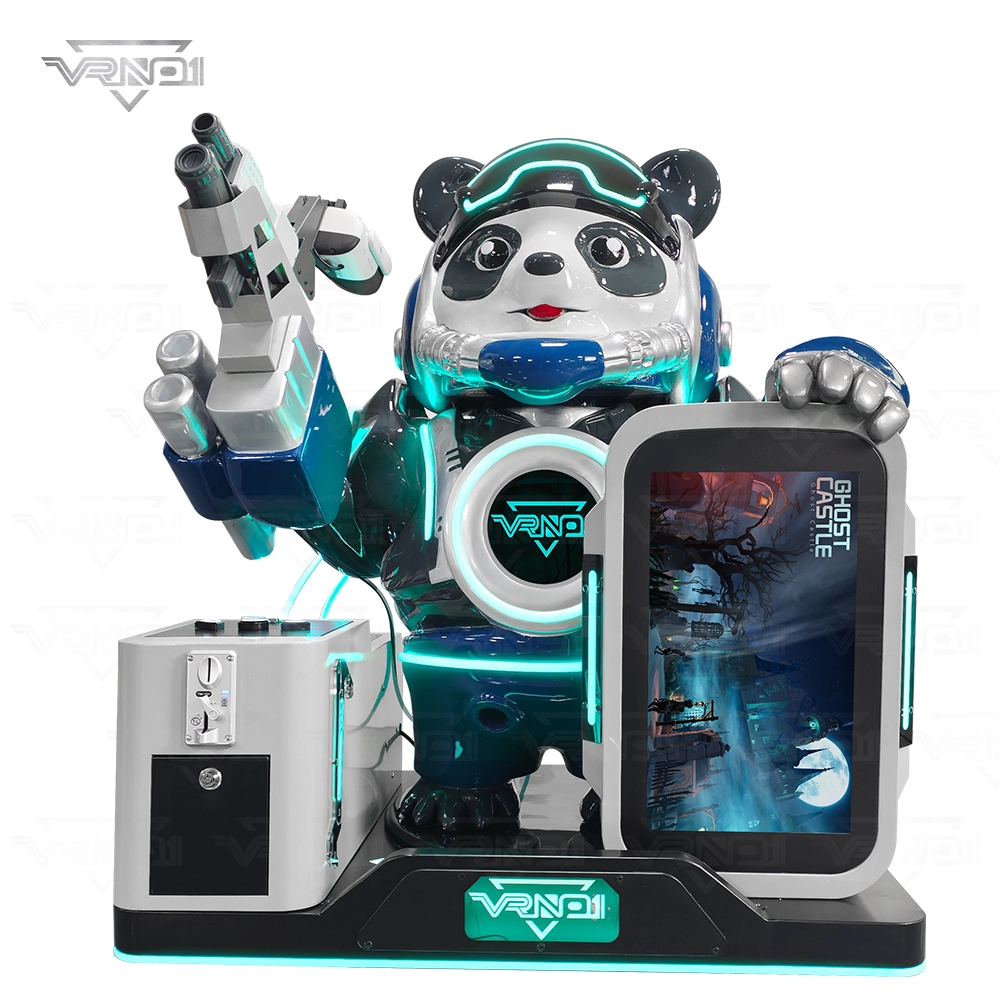
VR Panda Trooper Shooting Simulator Indoor/Outdoor Game for Kids Amusement Parks Shopping Malls Coin Operated

VRN0.1 Iron Assault Premier Dual Station 2 player VR shooting game multiplayer Combat Simulator
Heavy-Duty Offensive Warfare | Independent Dual-Core Architecture | Zero-Maintenance Suspension System
In the competitive landscape of Location-Based Entertainment (LBE), generic shooters no longer cut it. Enter the VR NO.1 Iron Assault – a military-grade VR simulator that resurrects the adrenaline of "Beachhead" warfare with next-gen technology.
Engineered by VR NO.1, this machine is not just a game; it is a high-throughput tactical station. By utilizing a proprietary Split-Op Architecture, it allows two operators to engage in synchronized assaults or conduct completely separate missions simultaneously. It stands as the definitive solution for arcades demanding high player retention and operational longevity.

 Scan QR Code
Whatsapp: +8618127818571
Scan QR Code
Guangzhou Skyfun Technology Co.,Ltd
skyfunvrgame
skyfun game